




제미나이 프롬프트 공식과 활용 사례로 영어 공부하기
PDF 문서
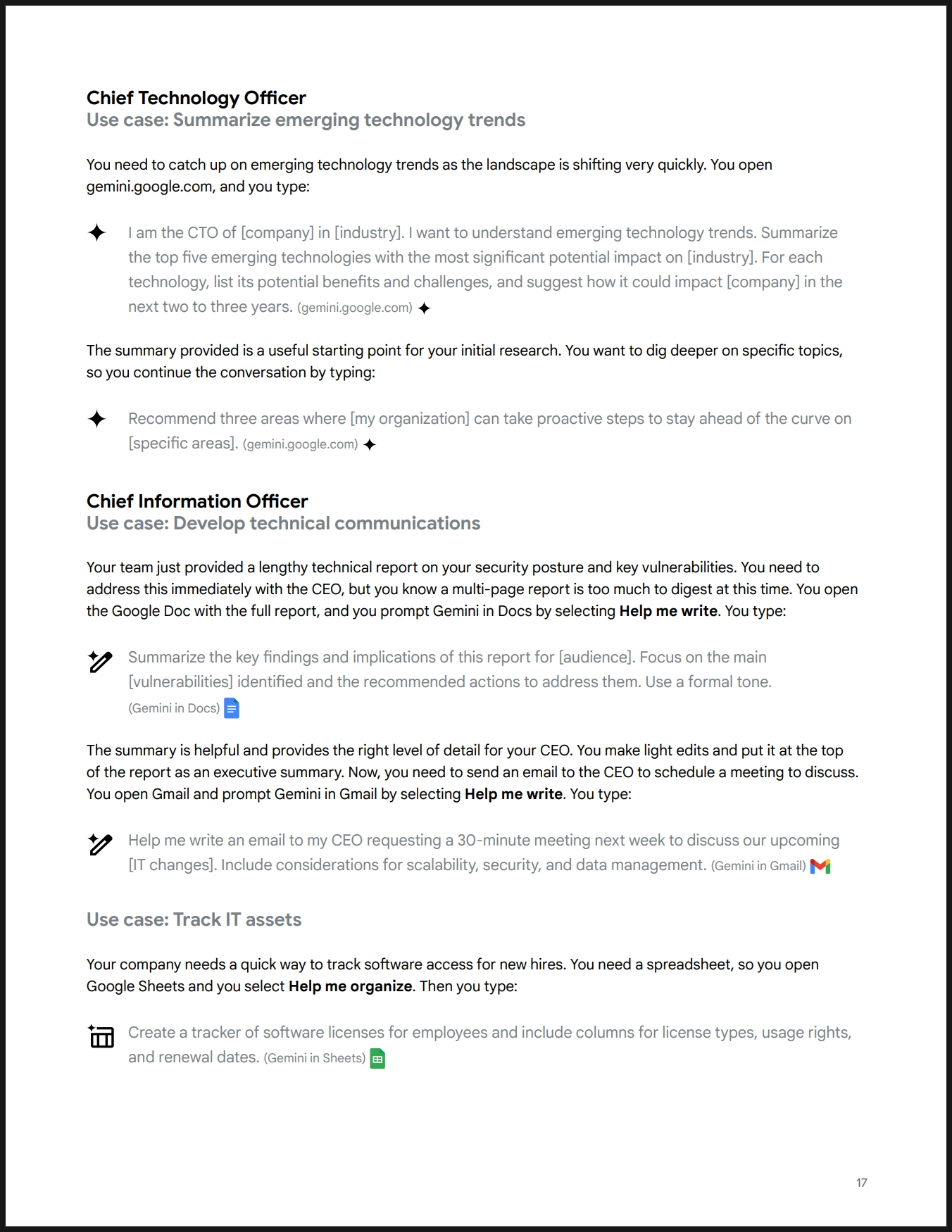
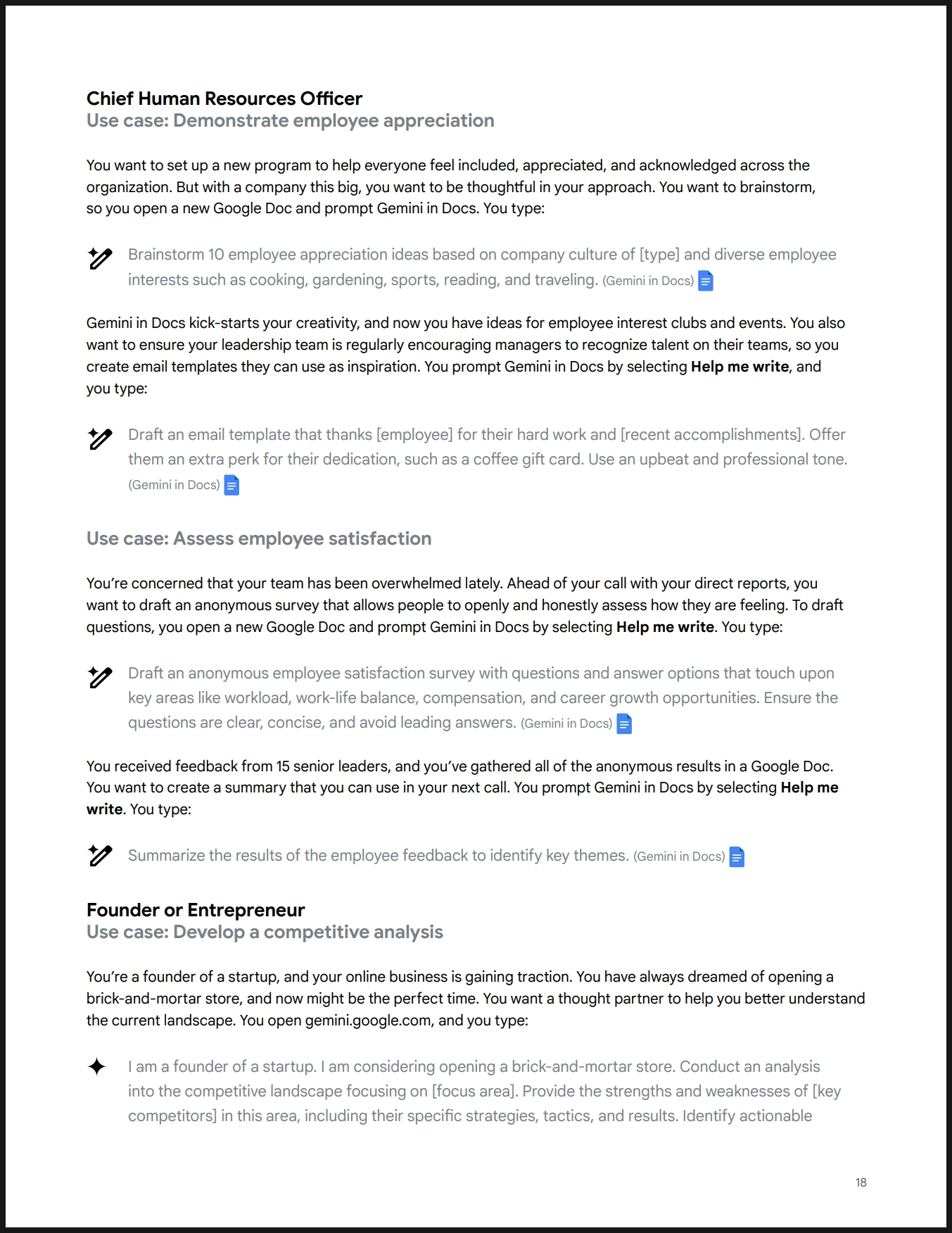
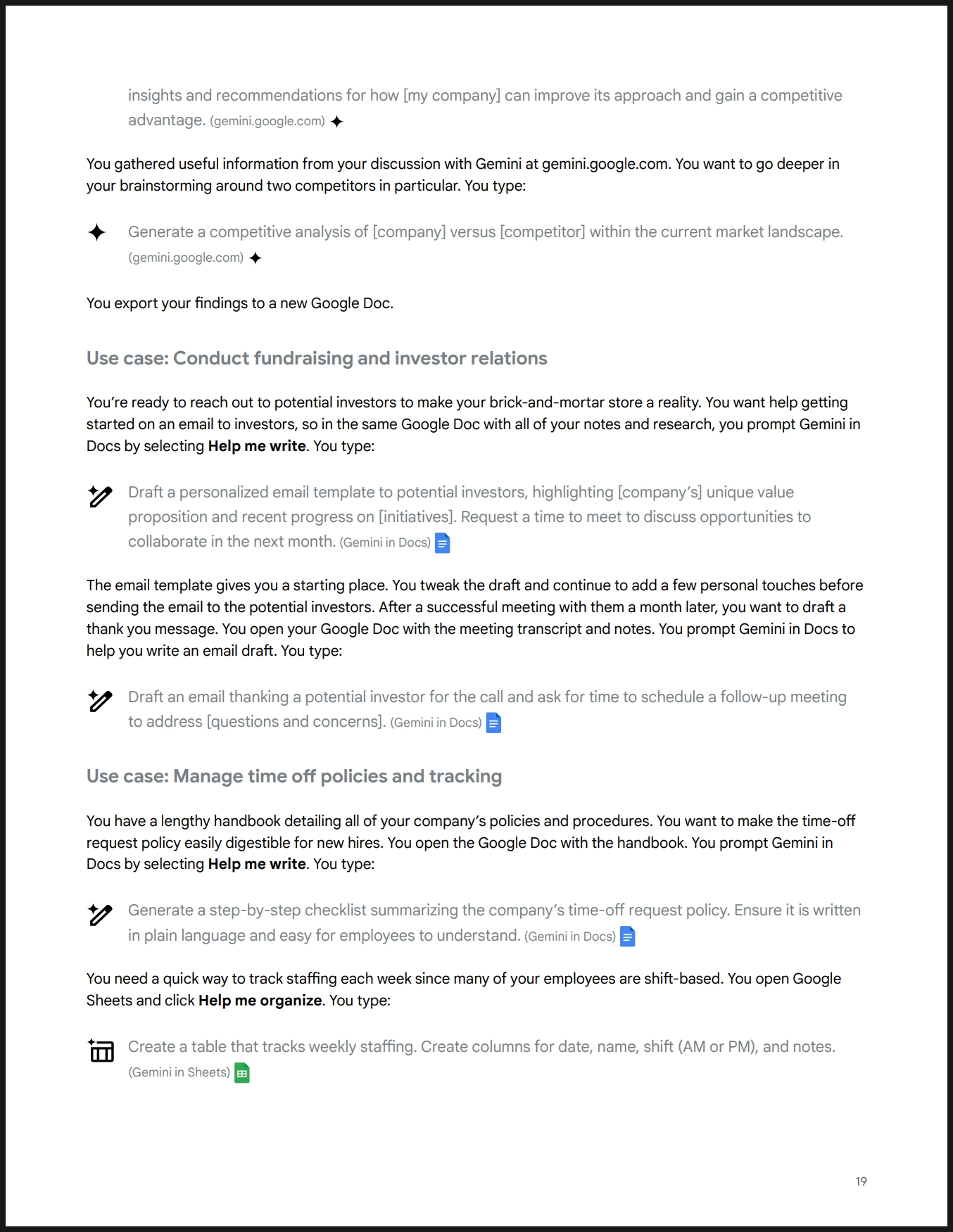
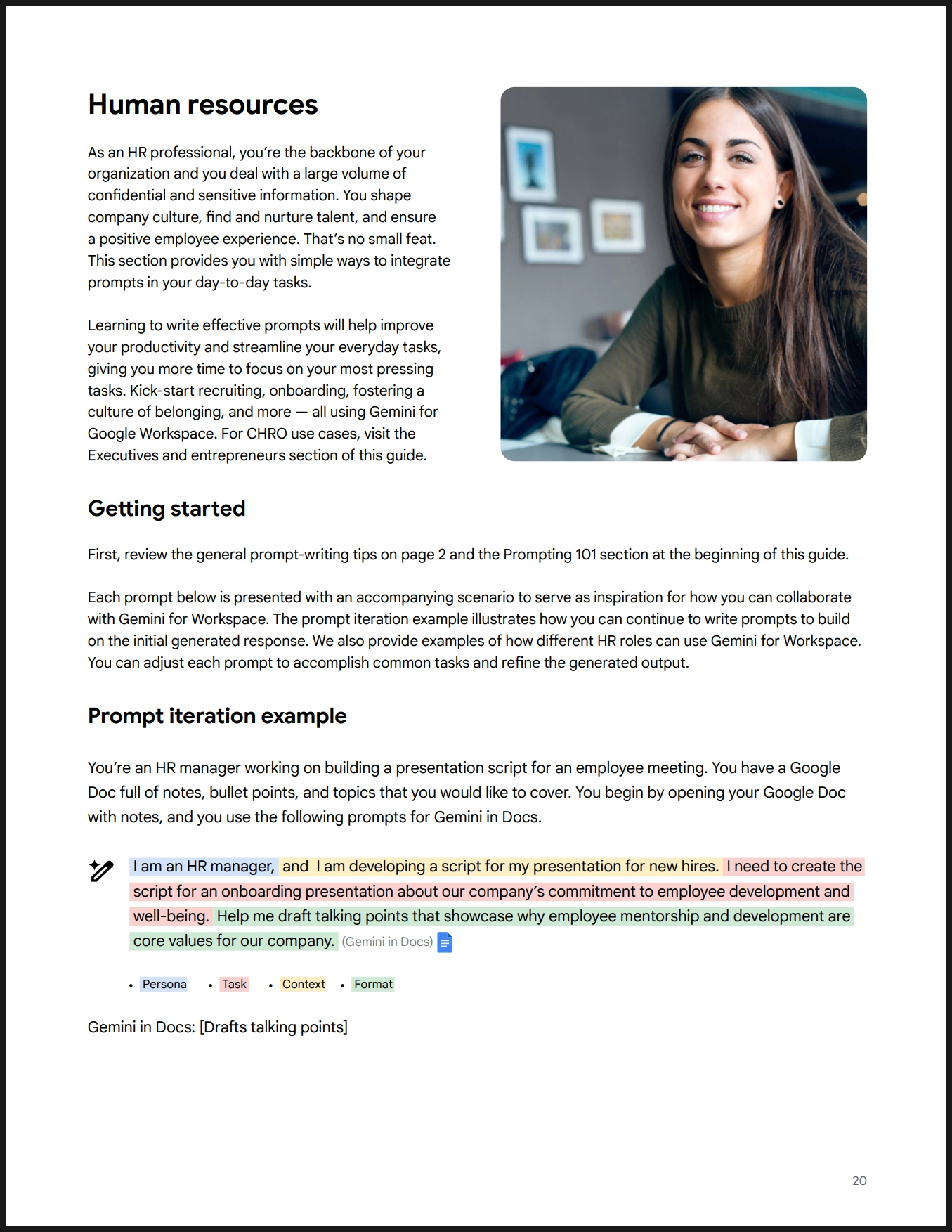

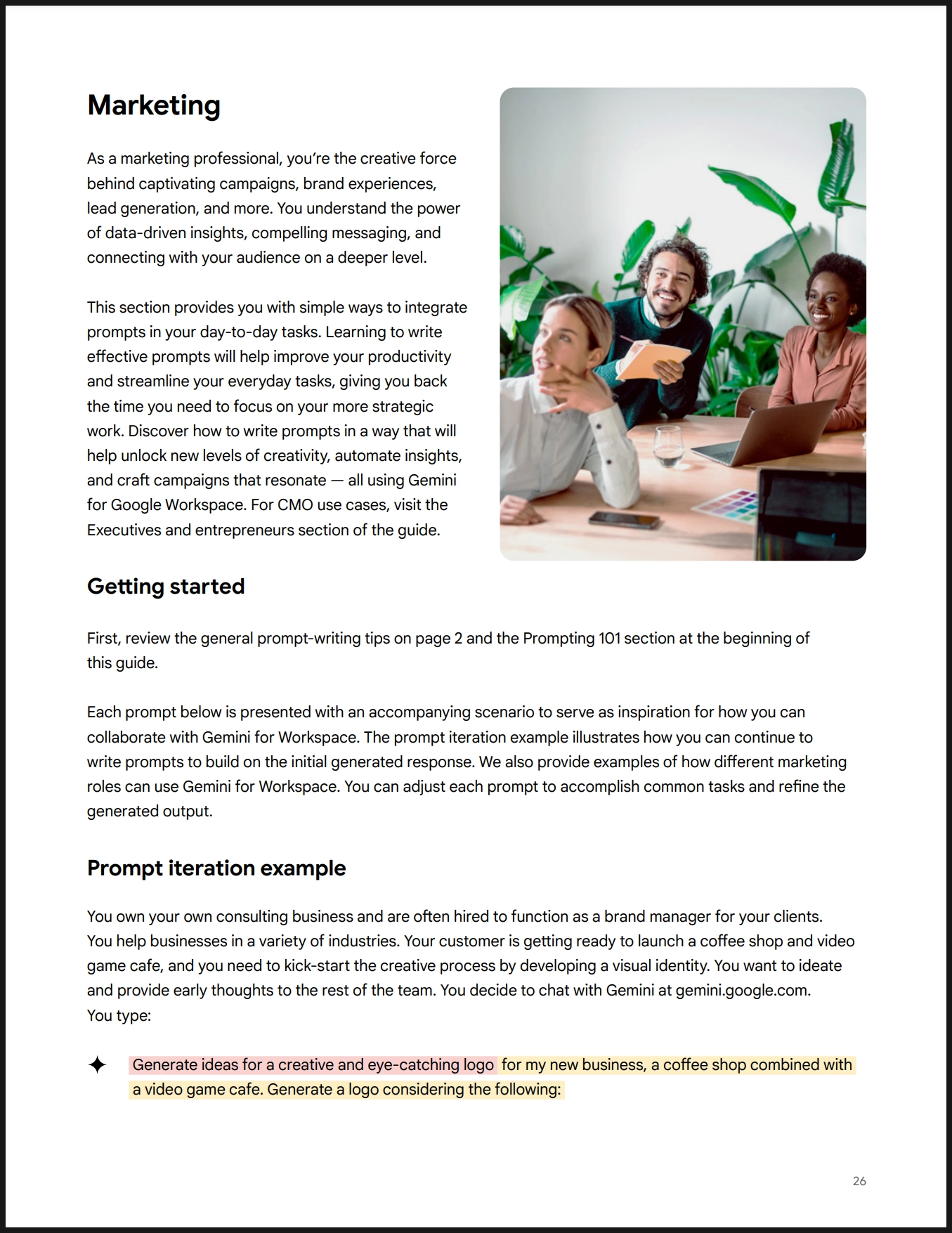
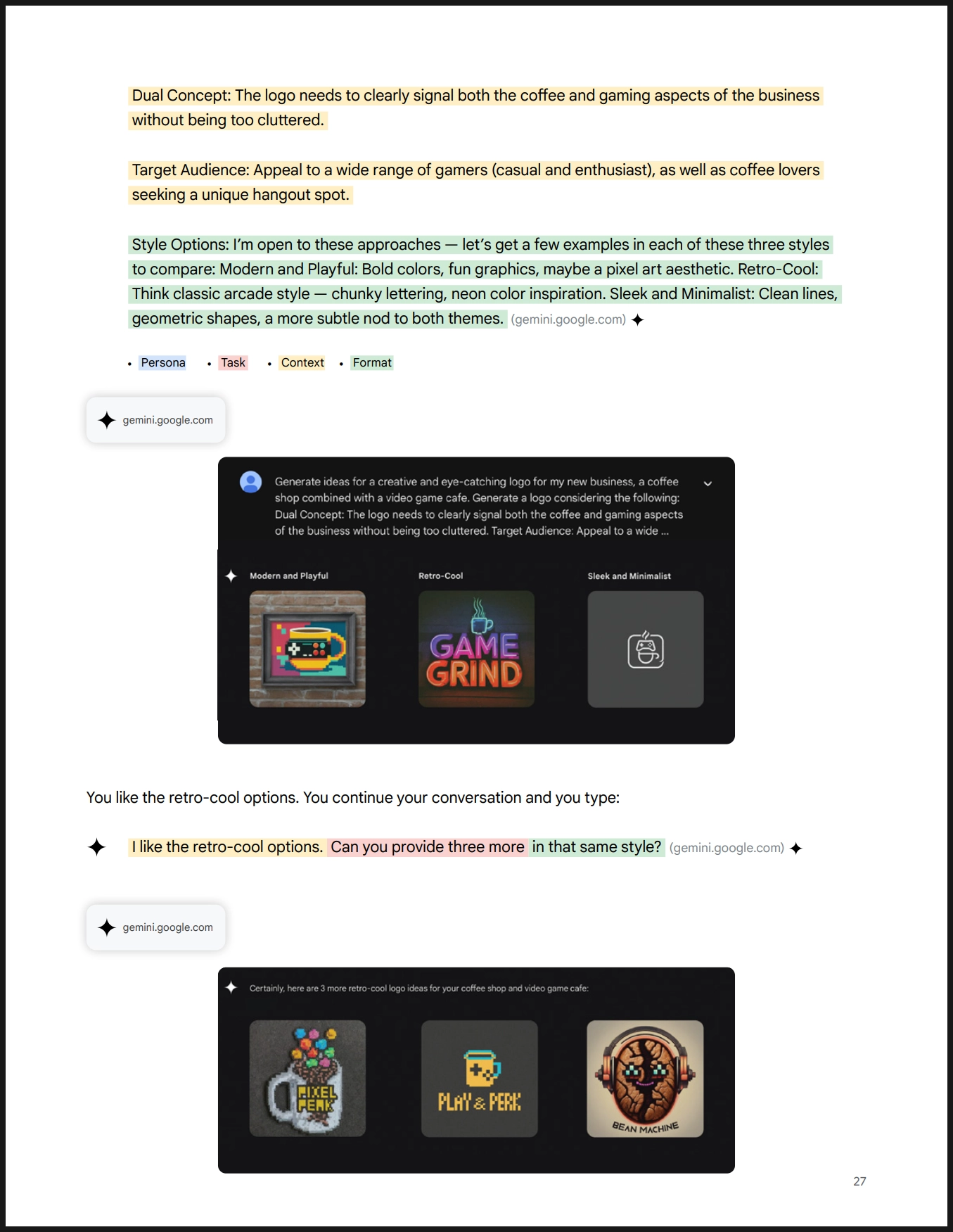
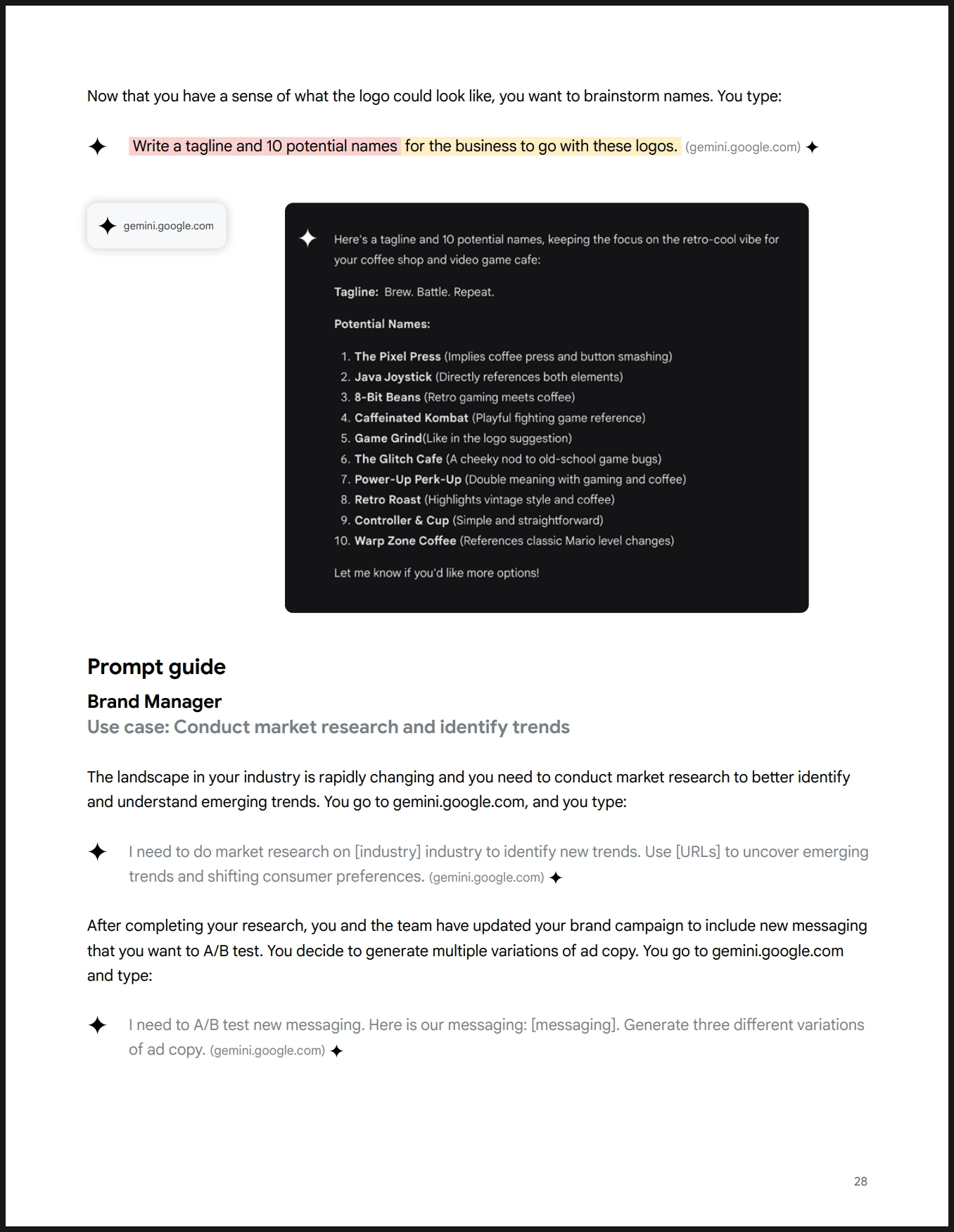
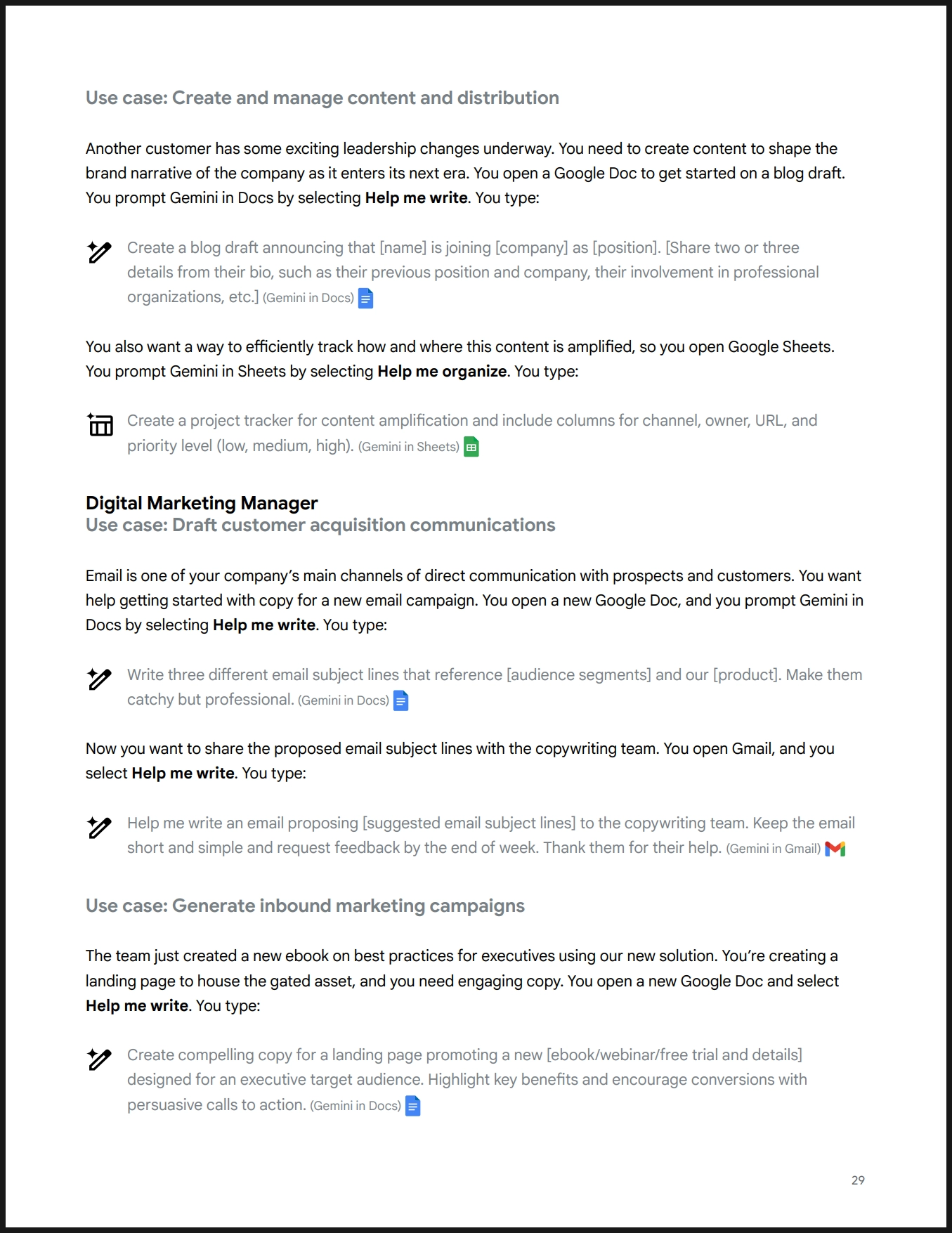
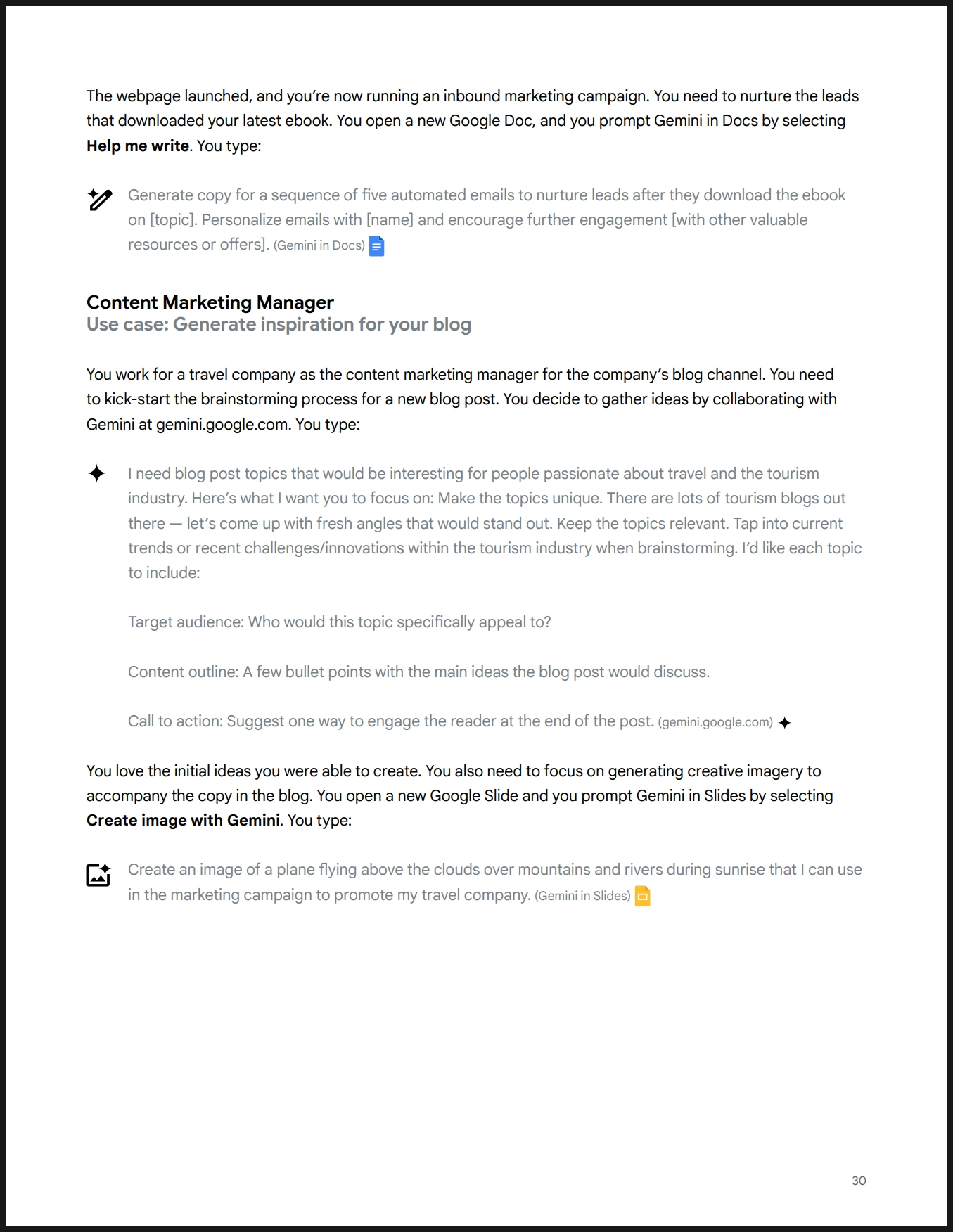
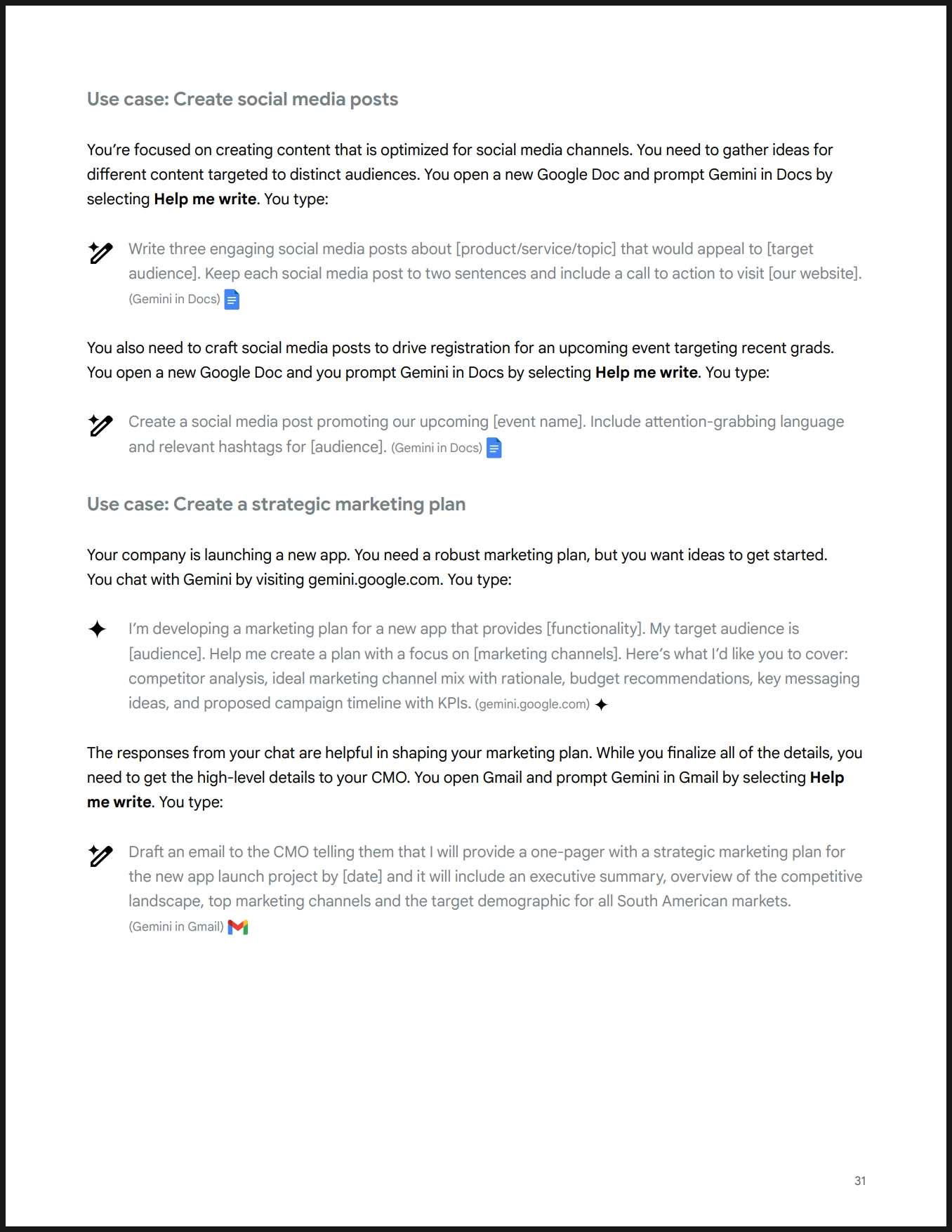
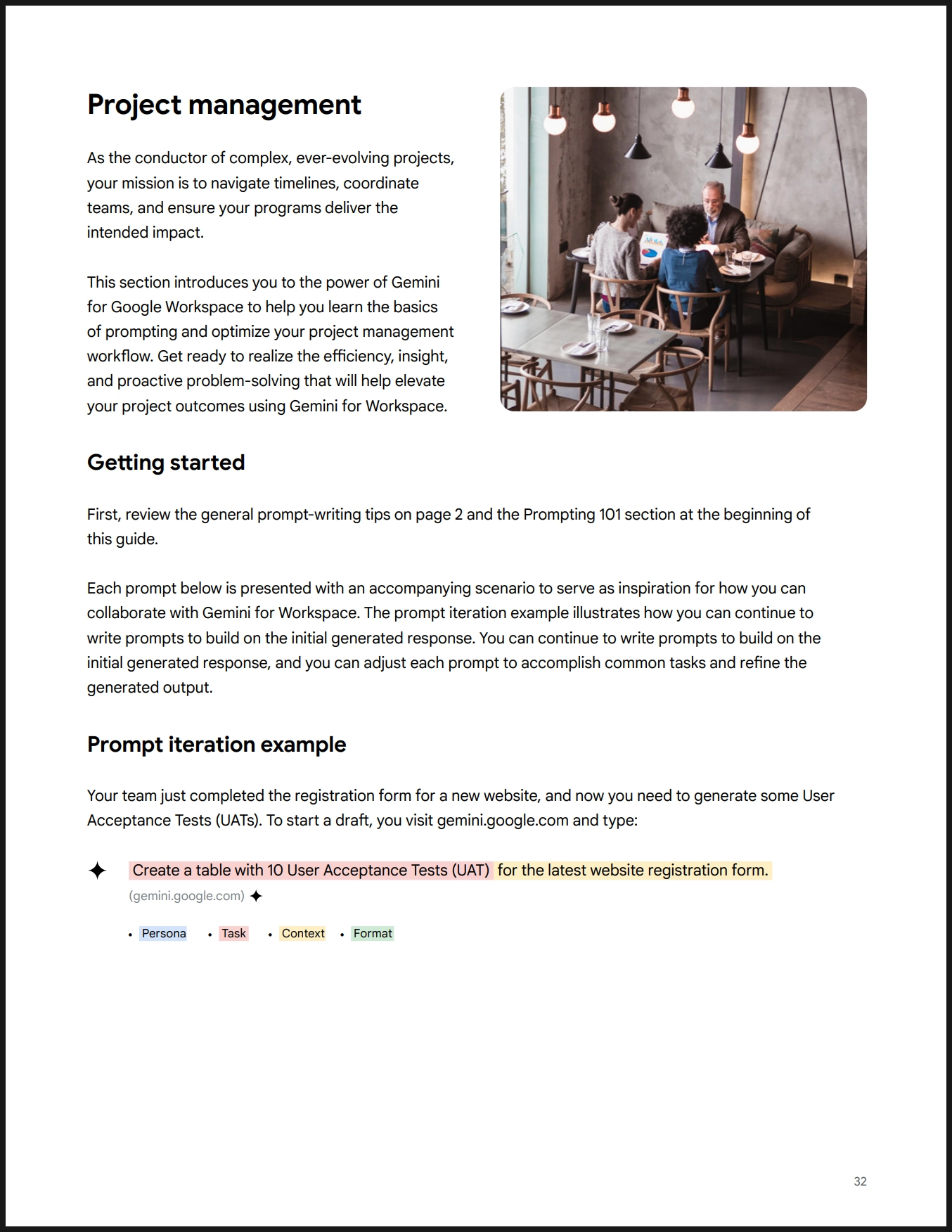
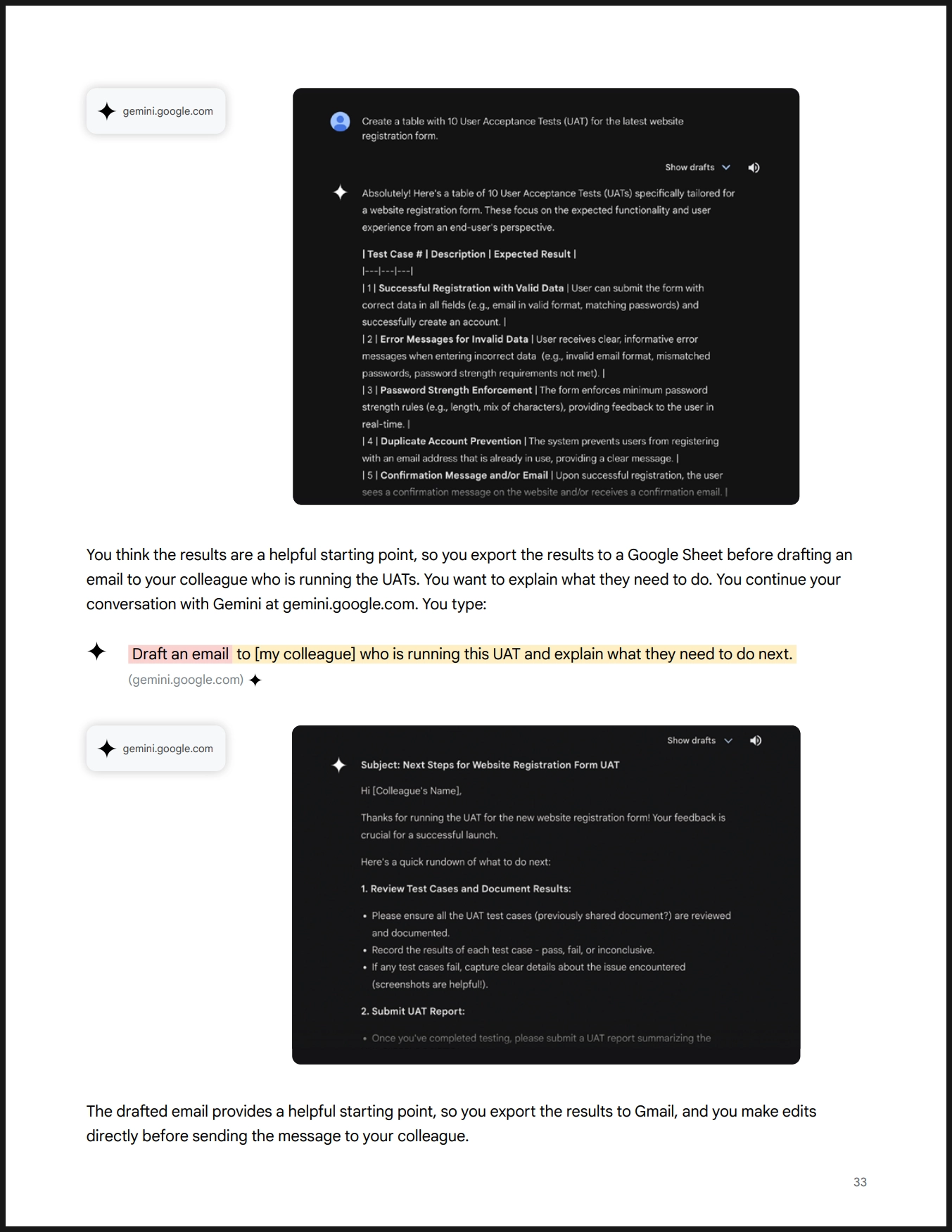
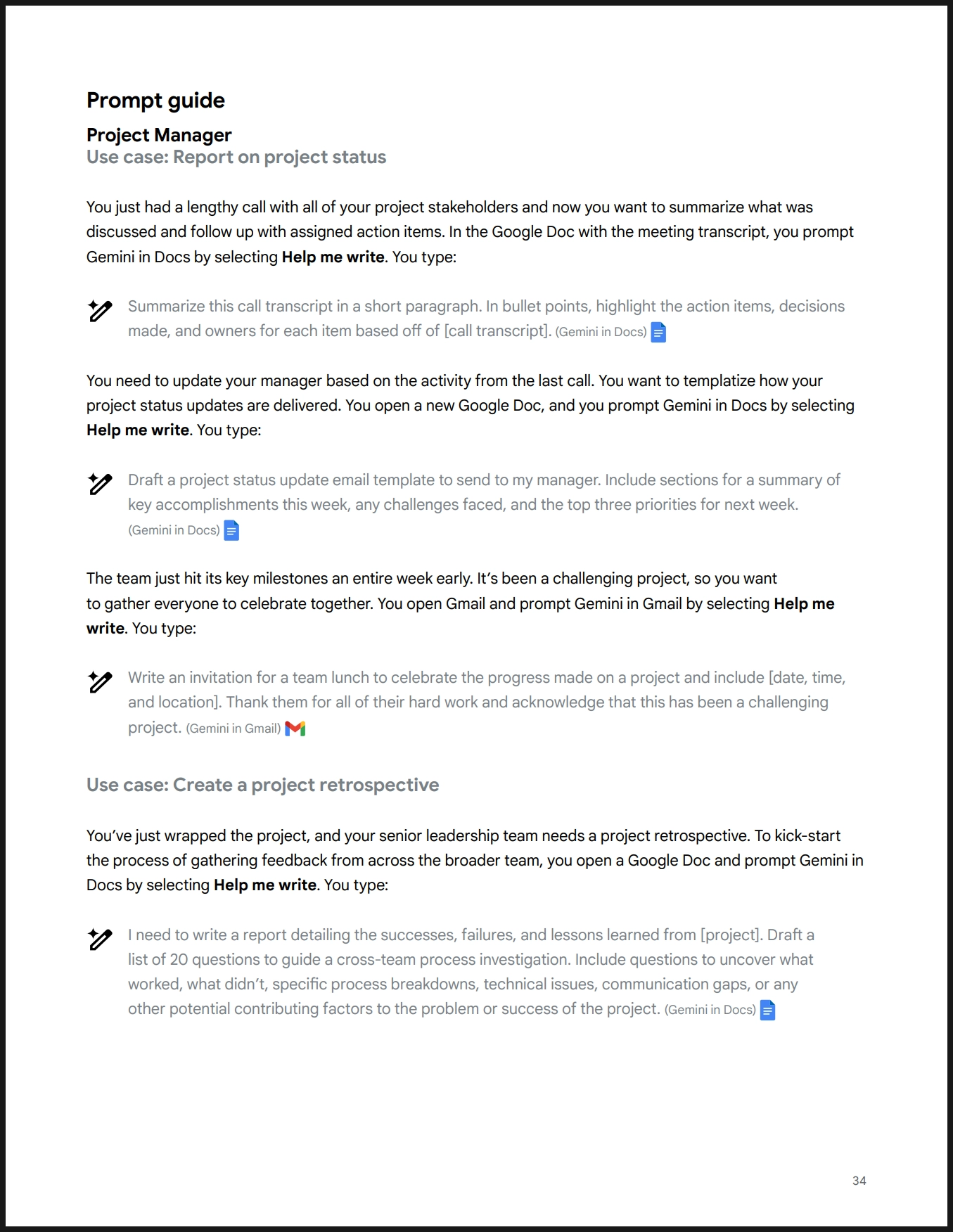
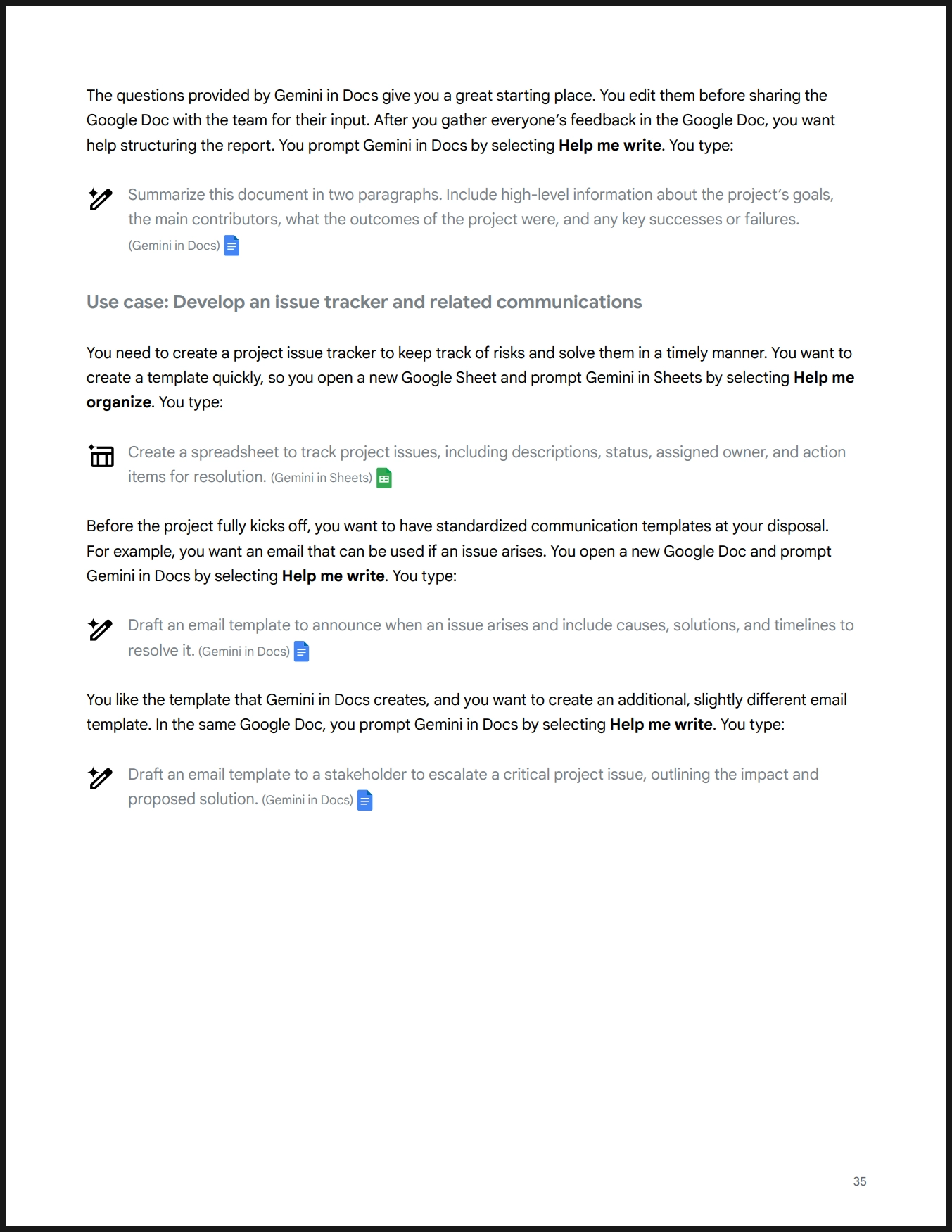
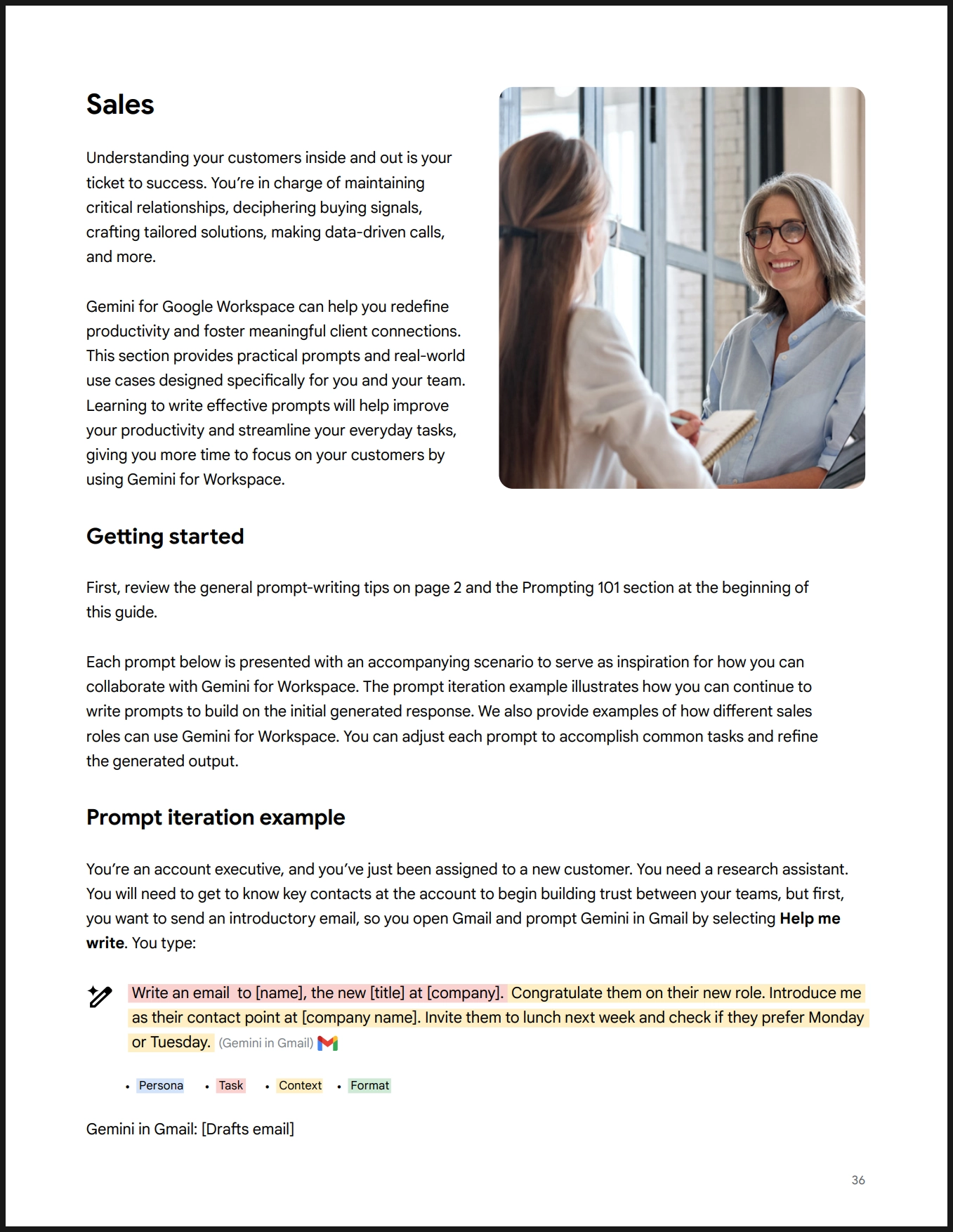
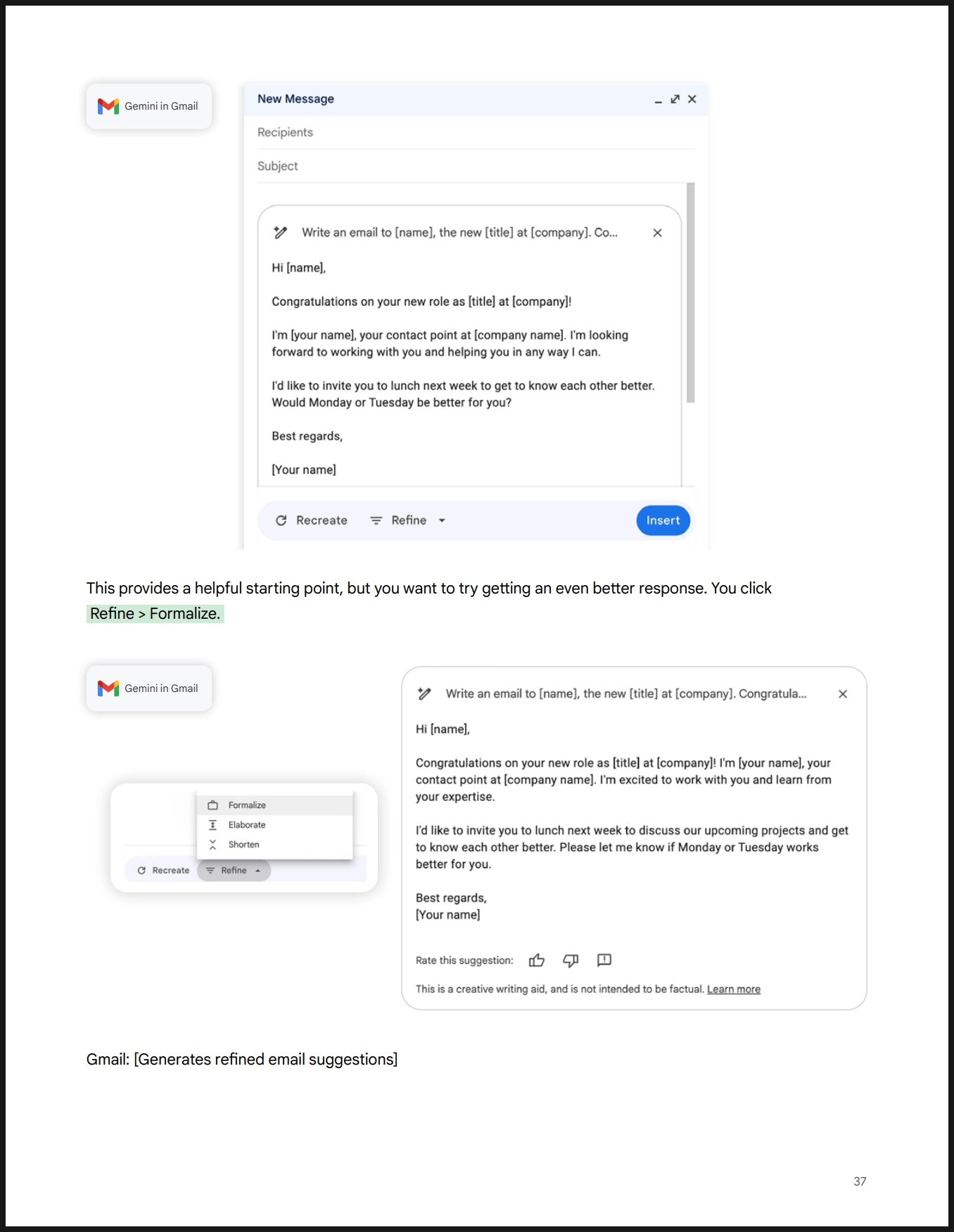
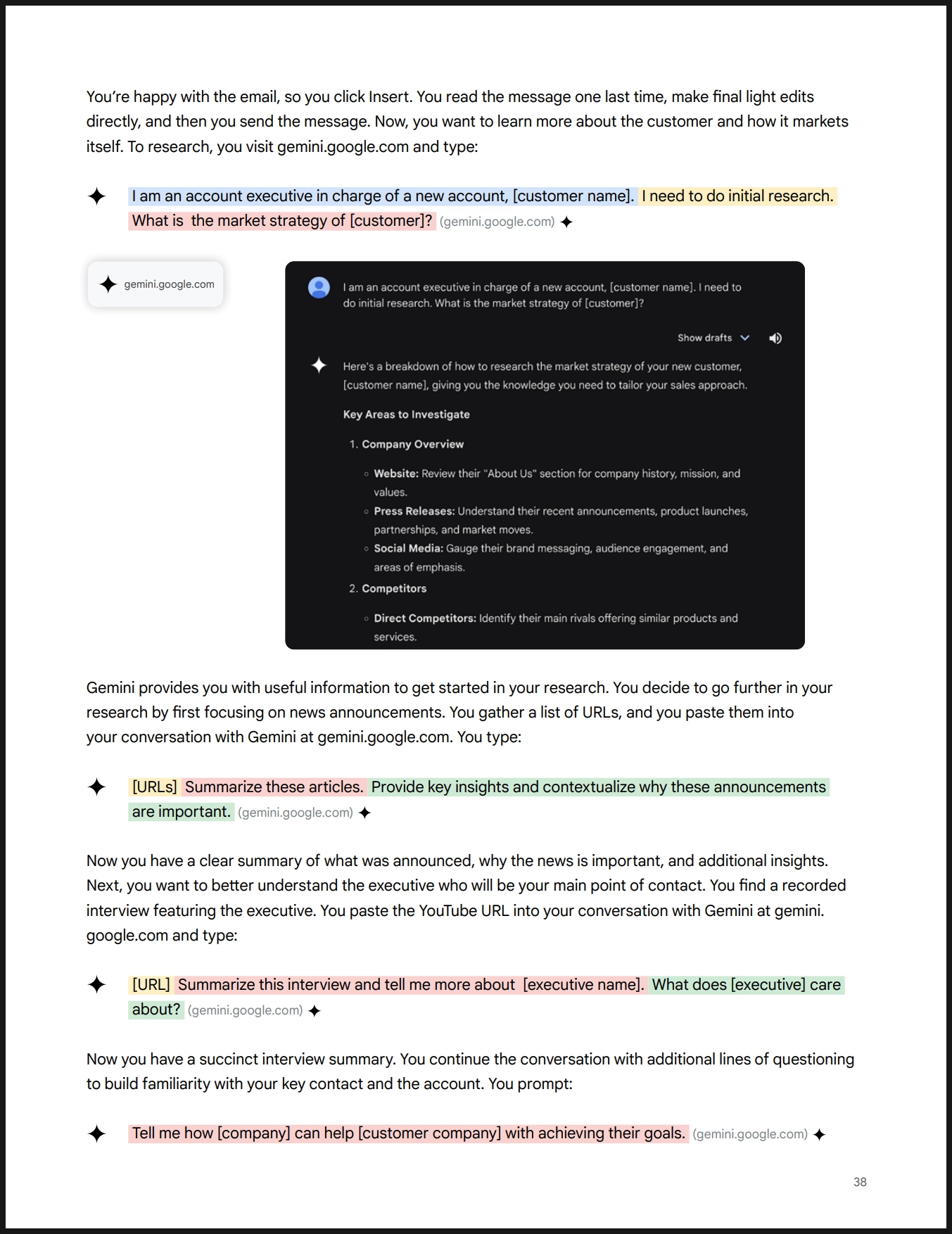
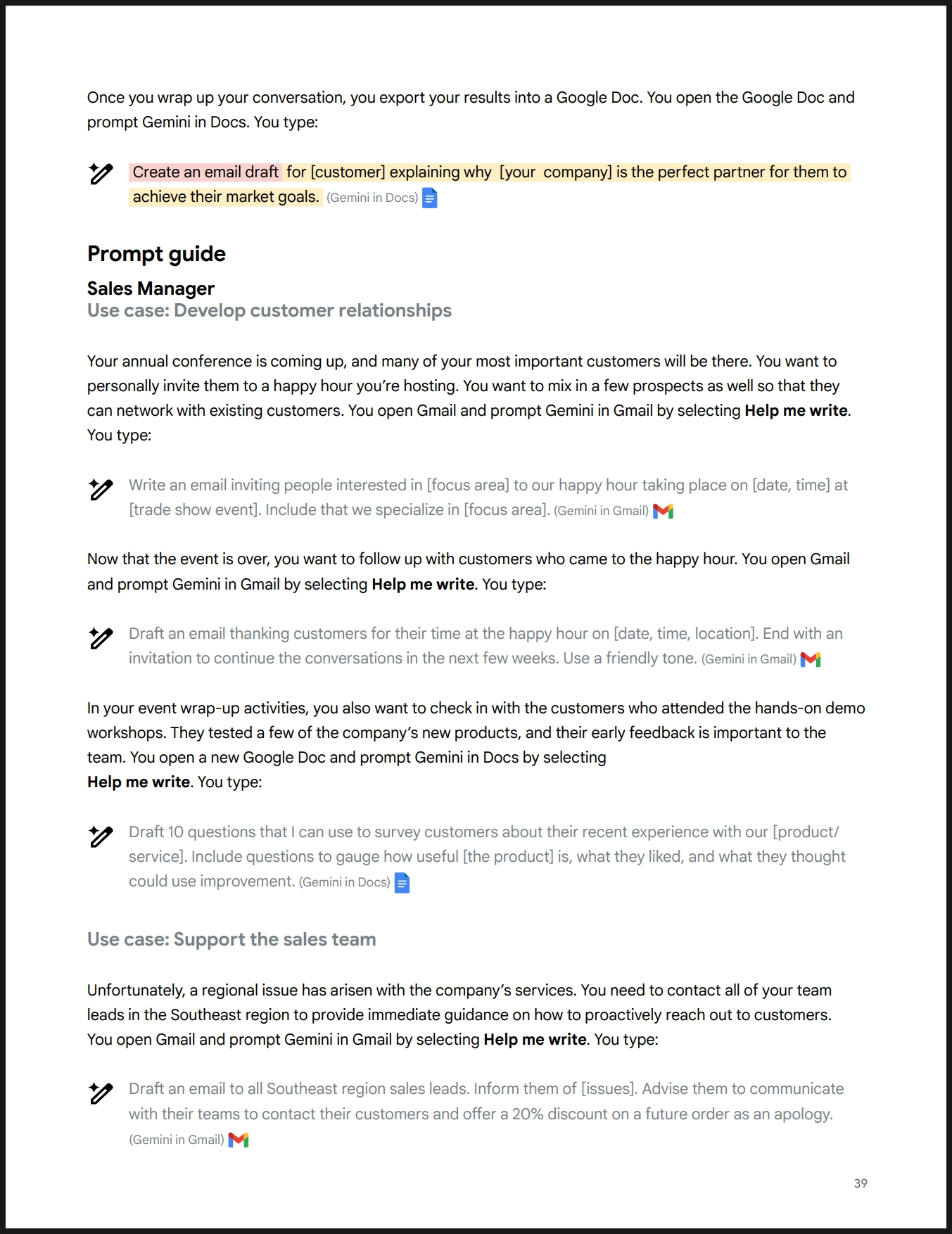
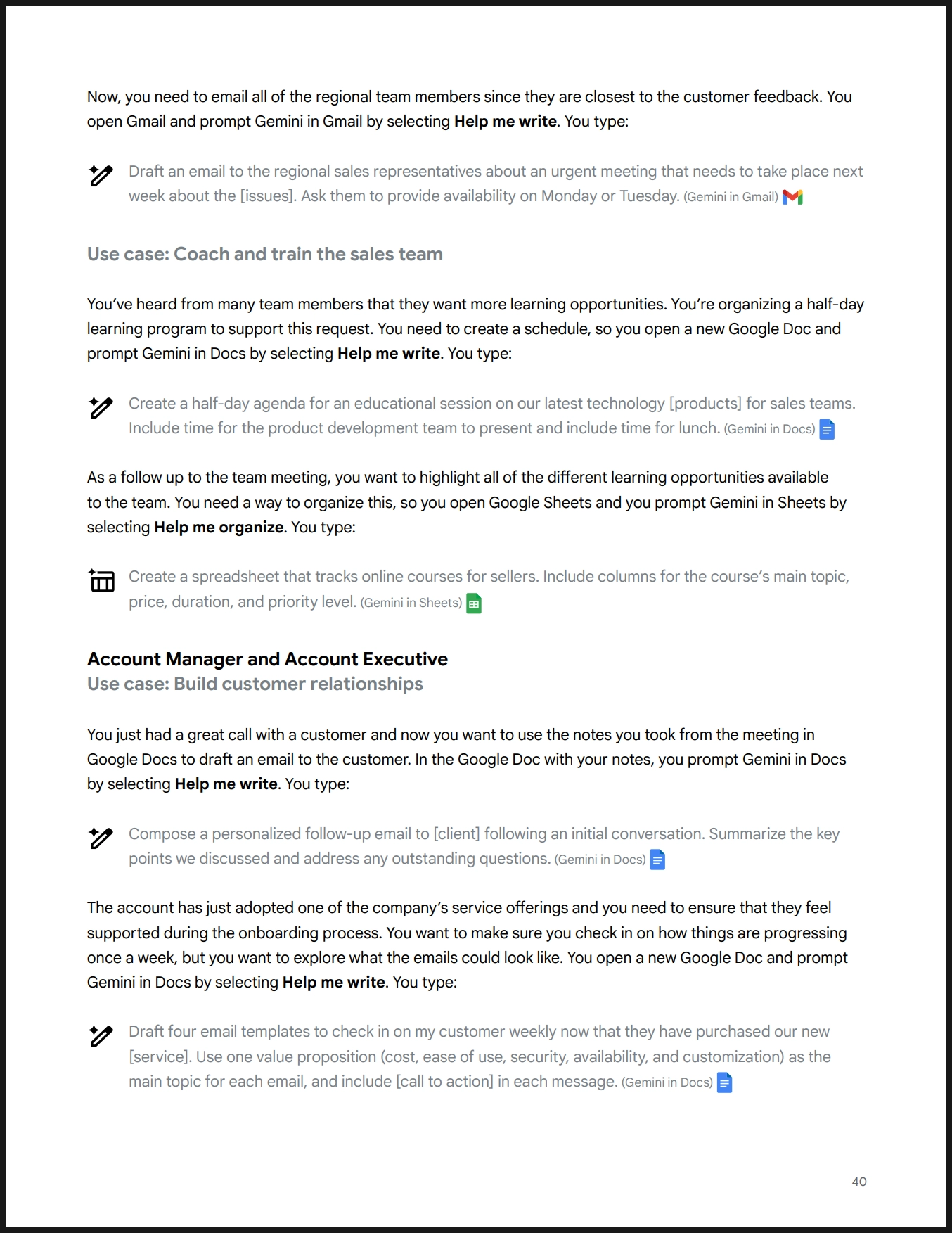


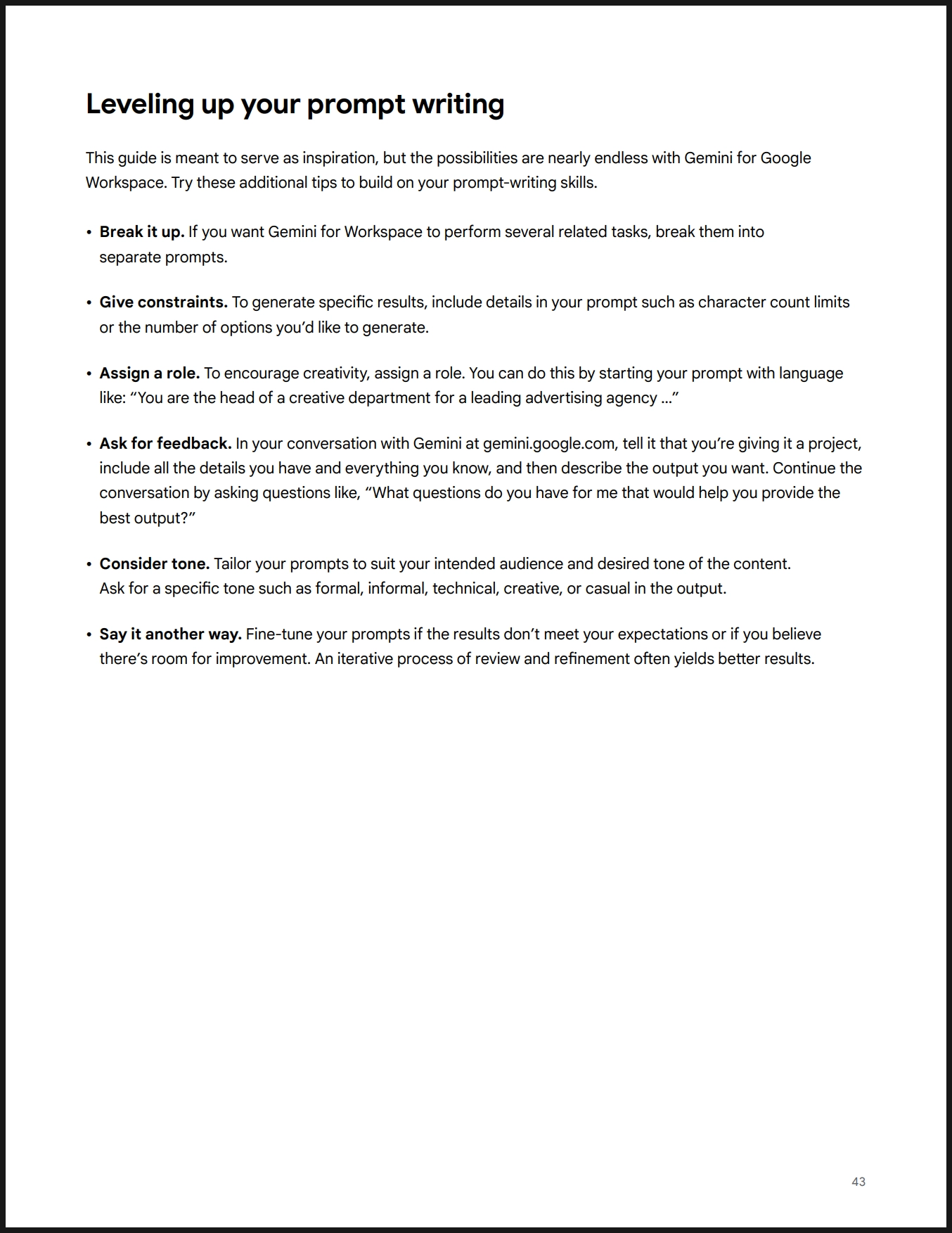

영어 원문과 한글 해석
Table
Search
Gemini for Google Workspace
Prompting guide 101
A quick-start handbook for effective prompts
April 2024 edition
Google Workspace용 Gemini
프롬프트 가이드 101
효과적인 프롬프트를 위한 빠른 시작 핸드북
2024년 4월판
영문 원본
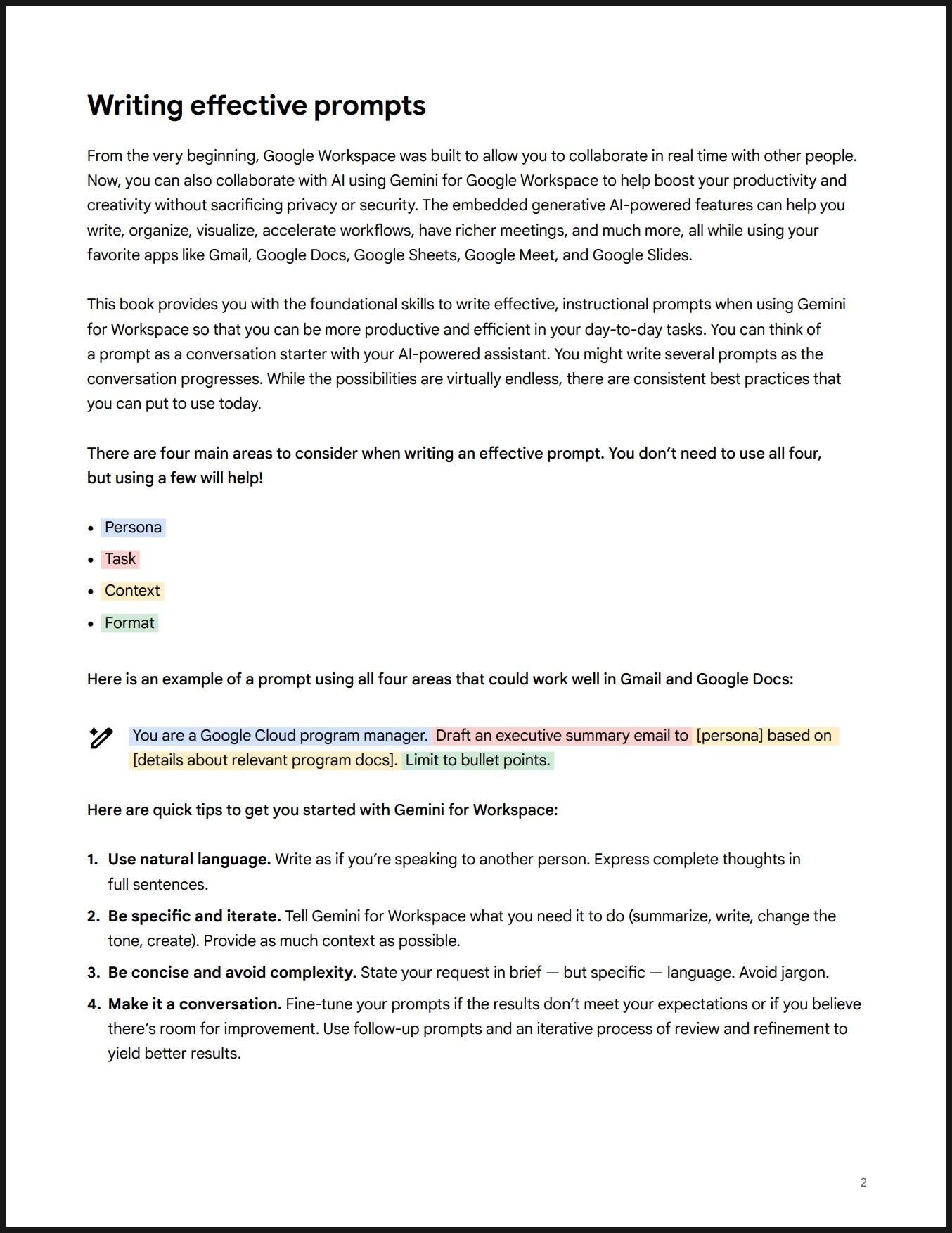
Writing effective prompts
From the very beginning, Google Workspace was built to allow you to collaborate in real time with other people. Now, you can also collaborate with AI using Gemini for Google Workspace to help boost your productivity and creativity without sacrificing privacy or security. The embedded generative AI-powered features can help you write, organize, visualize, accelerate workflows, have richer meetings, and much more, all while using your favorite apps like Gmail, Google Docs, Google Sheets, Google Meet, and Google Slides.
This book provides you with the foundational skills to write effective, instructional prompts when using Gemini for Workspace so that you can be more productive and efficient in your day-to-day tasks. You can think of a prompt as a conversation starter with your AI-powered assistant. You might write several prompts as the conversation progresses. While the possibilities are virtually endless, there are consistent best practices that you can put to use today.
There are four main areas to consider when writing an effective prompt. You don’t need to use all four, but using a few will help!
•
Persona
•
Task
•
Context
•
Format
Here is an example of a prompt using all four areas that could work well in Gmail and Google Docs:
You are a Google Cloud program manager. Draft an executive summary email to [persona] based on [details about relevant program docs]. Limit to bullet points.Here are quick tips to get you started with Gemini for Workspace:
1.
Use natural language. Write as if you’re speaking to another person. Express complete thoughts in full sentences.
2.
Be specific and iterate. Tell Gemini for Workspace what you need it to do (summarize, write, change the tone, create). Provide as much context as possible.
3.
Be concise and avoid complexity. State your request in brief — but specific — language. Avoid jargon.
4.
Make it a conversation. Fine-tune your prompts if the results don’t meet your expectations or if you believe there’s room for improvement. Use follow-up prompts and an iterative process of review and refinement to yield better results.
한글 해석
효과적인 프롬프트 작성
처음부터 Google Workspace는 다른 사람들과 실시간으로 협업할 수 있도록 설계되었습니다. 이제 Google Workspace용 Gemini를 사용하여 AI와 협업할 수 있으며, 프라이버시나 보안을 희생하지 않고 생산성과 창의력을 높이는 데 도움이 됩니다. 임베디드 생성 AI 기능은 Gmail, Google Docs, Google Sheets, Google Meet, Google Slides와 같은 즐겨 사용하는 앱을 사용하면서 글을 쓰고, 정리하고, 시각화하고, 워크플로를 가속화하고, 회의를 풍부하게 하고, 더 많은 작업을 수행하는 데 도움을 줄 수 있습니다.
이 책은 Gemini for Workspace를 사용할 때 효과적이고 교육적인 프롬프트를 작성하기 위한 기본 기술을 제공합니다. 이를 통해 일상 업무에서 더 생산적이고 효율적으로 작업할 수 있습니다. 프롬프트를 AI 지원 어시스턴트와의 대화 시작점으로 생각할 수 있습니다. 대화가 진행됨에 따라 여러 프롬프트를 작성할 수 있습니다. 가능성은 사실상 무한하지만, 오늘날 사용할 수 있는 일관된 모범 사례가 있습니다.
효과적인 프롬프트를 작성할 때 고려해야 할 네 가지 주요 영역이 있습니다. 모두 사용할 필요는 없지만, 몇 가지를 사용하면 도움이 됩니다!
•
페르소나 (Persona) : 가상인물
•
작업 (Task)
•
컨텍스트 (Context)
•
형식 (Format)
다음은 Gmail 및 Google Docs에서 잘 작동할 수 있는 네 가지 영역을 모두 사용한 프롬프트의 예입니다:
당신은 Google Cloud 프로그램 매니저입니다. [페르소나]에 기반한 [관련 프로그램 문서에 대한 세부 정보]를 바탕으로 경영진 요약 이메일을 작성해 주세요. 포인트로 제한해 주세요.여기 Gemini for Workspace를 시작하기 위한 빠른 팁이 있습니다:
1.
자연스러운 언어를 사용하세요. 다른 사람에게 말하듯이 작성하세요. 완전한 문장으로 완전한 생각을 표현하세요.
2.
구체적이고 반복적으로 작성하세요. Gemini for Workspace에 수행해야 할 작업을 명확히 지시하세요(요약, 작성, 어조 변경, 생성). 가능한 한 많은 컨텍스트를 제공하세요.
3.
간결하게 작성하고 복잡성을 피하세요. 요청을 간단하지만 구체적인 언어로 표현하세요. 전문 용어를 피하세요.
4.
대화로 접근하세요. 결과가 기대에 미치지 않거나 개선의 여지가 있다고 생각되면 프롬프트를 조정하세요. 후속 프롬프트와 반복적인 검토 및 개선 과정을 사용하여 더 나은 결과를 얻으세요.
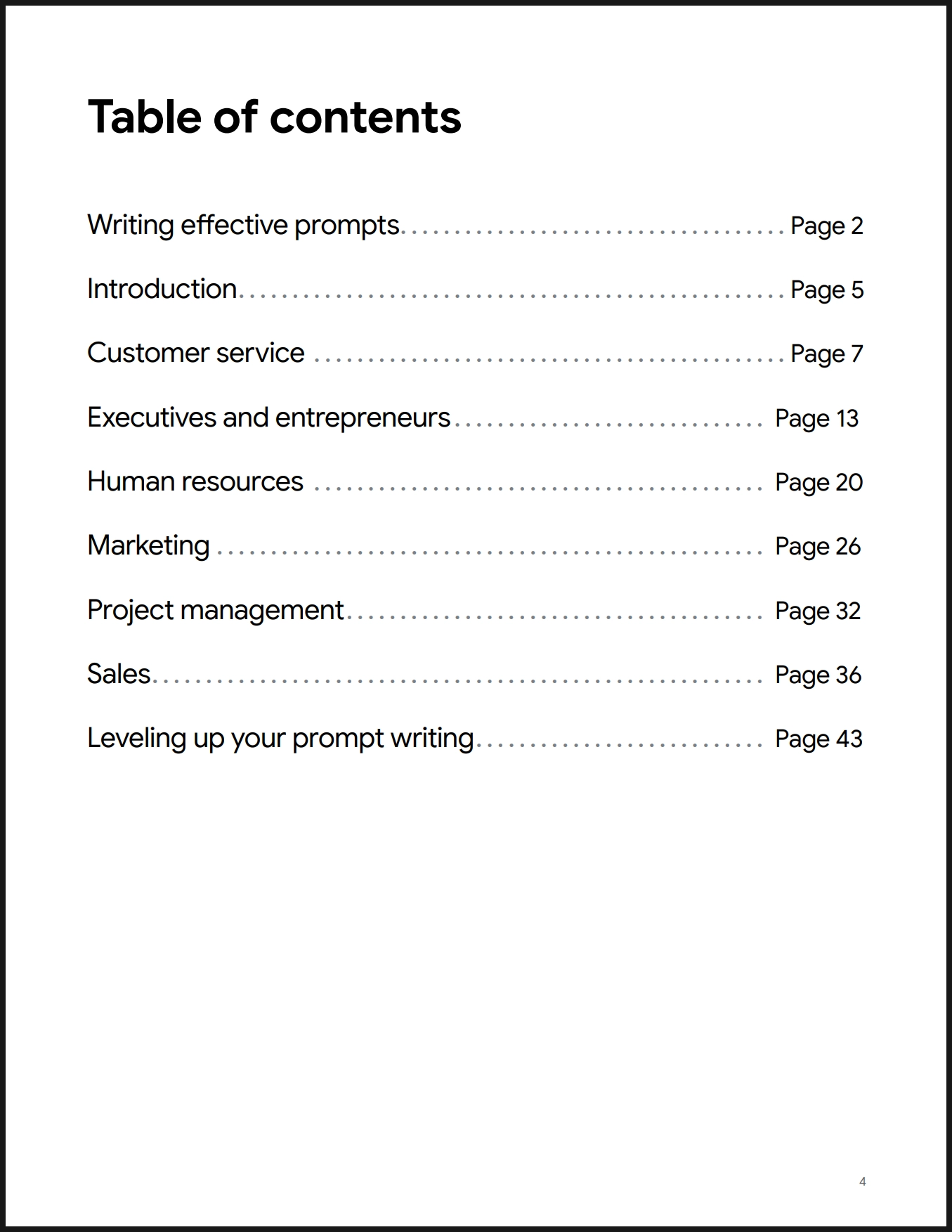
목차
효과적인 프롬프트 작성 . . . . . . . . . . . . . . . . . . . . . . . . . . . . . . . . . . . . . 페이지 2
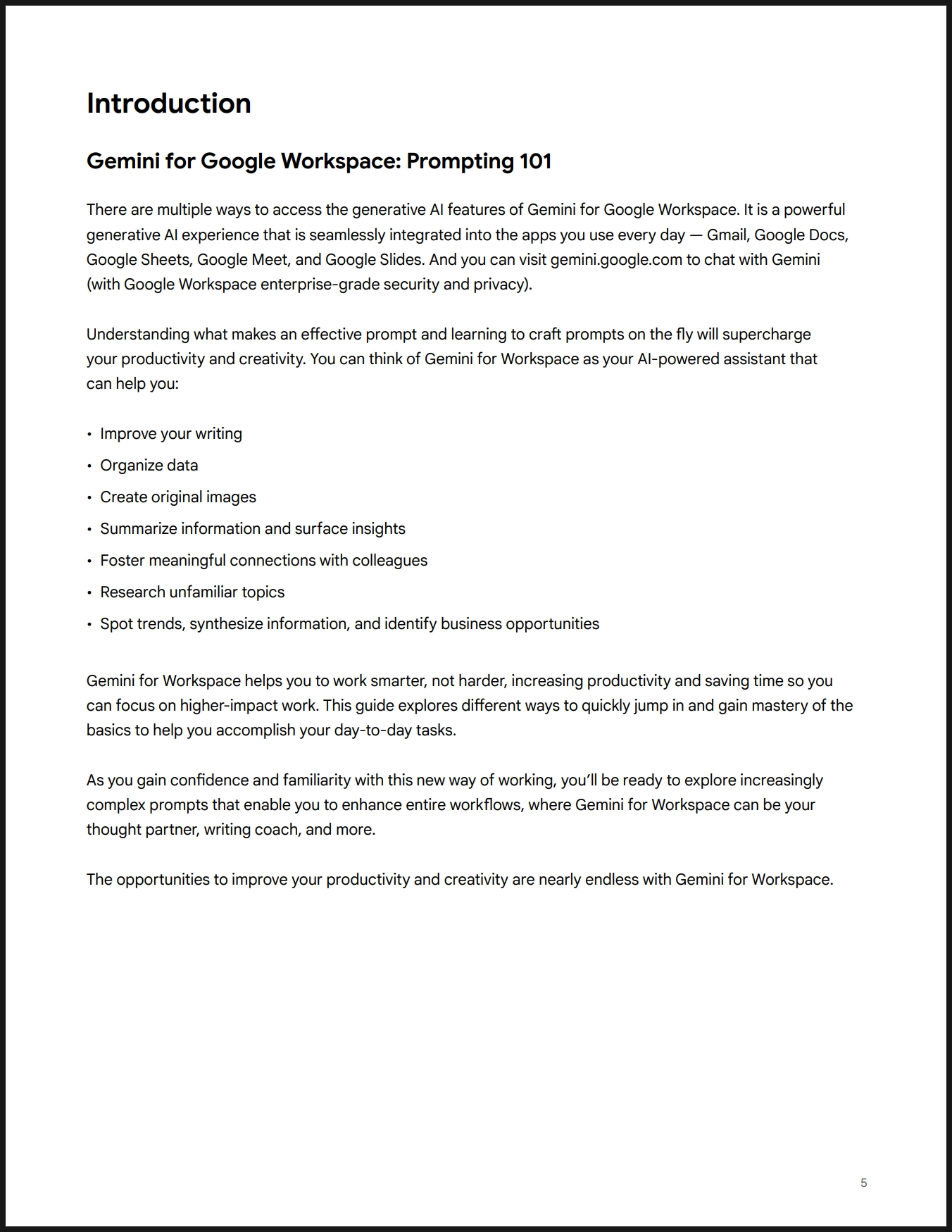
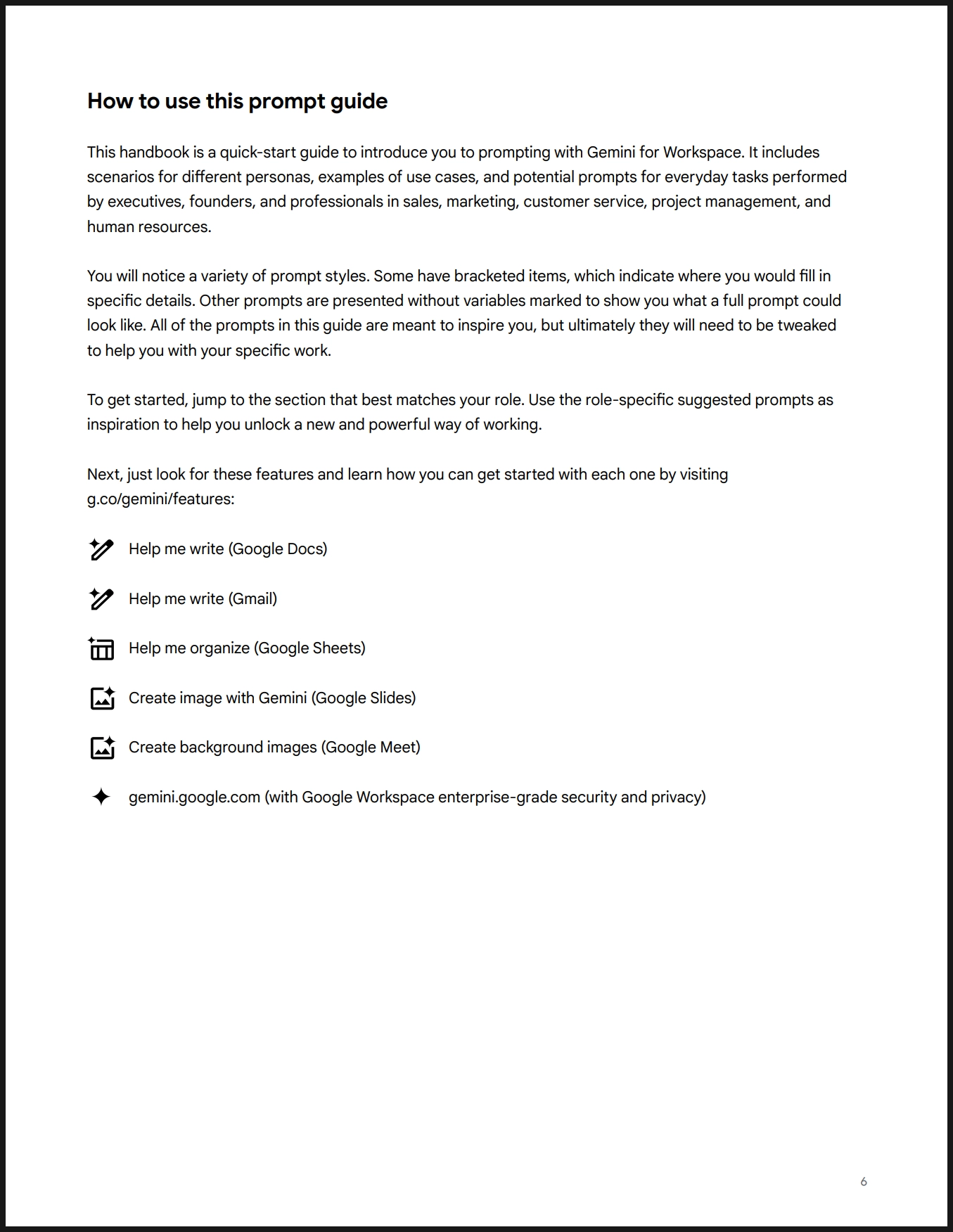
소개 . . . . . . . . . . . . . . . . . . . . . . . . . . . . . . . . . . . . . . . . . . . . . . . . . . . . 페이지 5
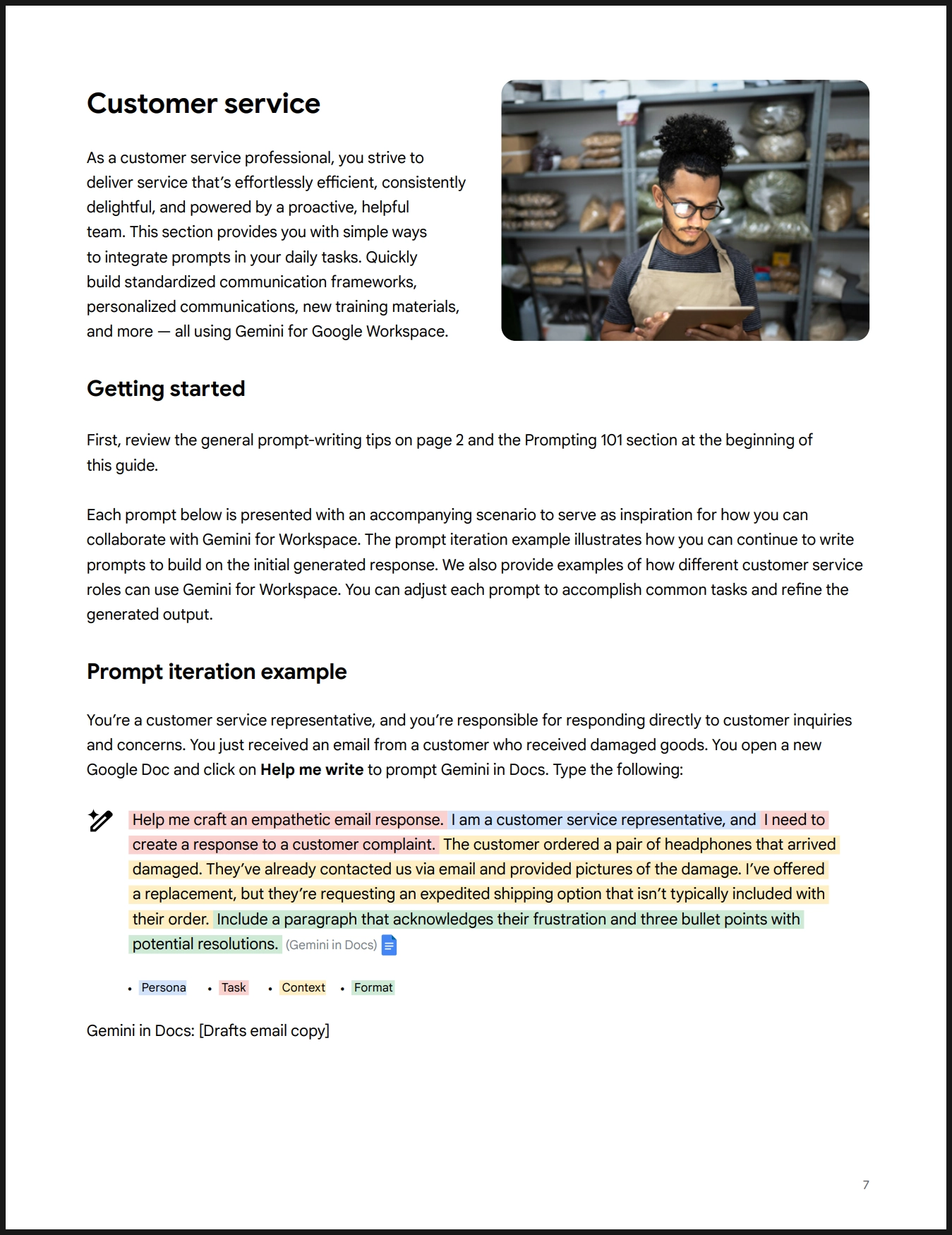
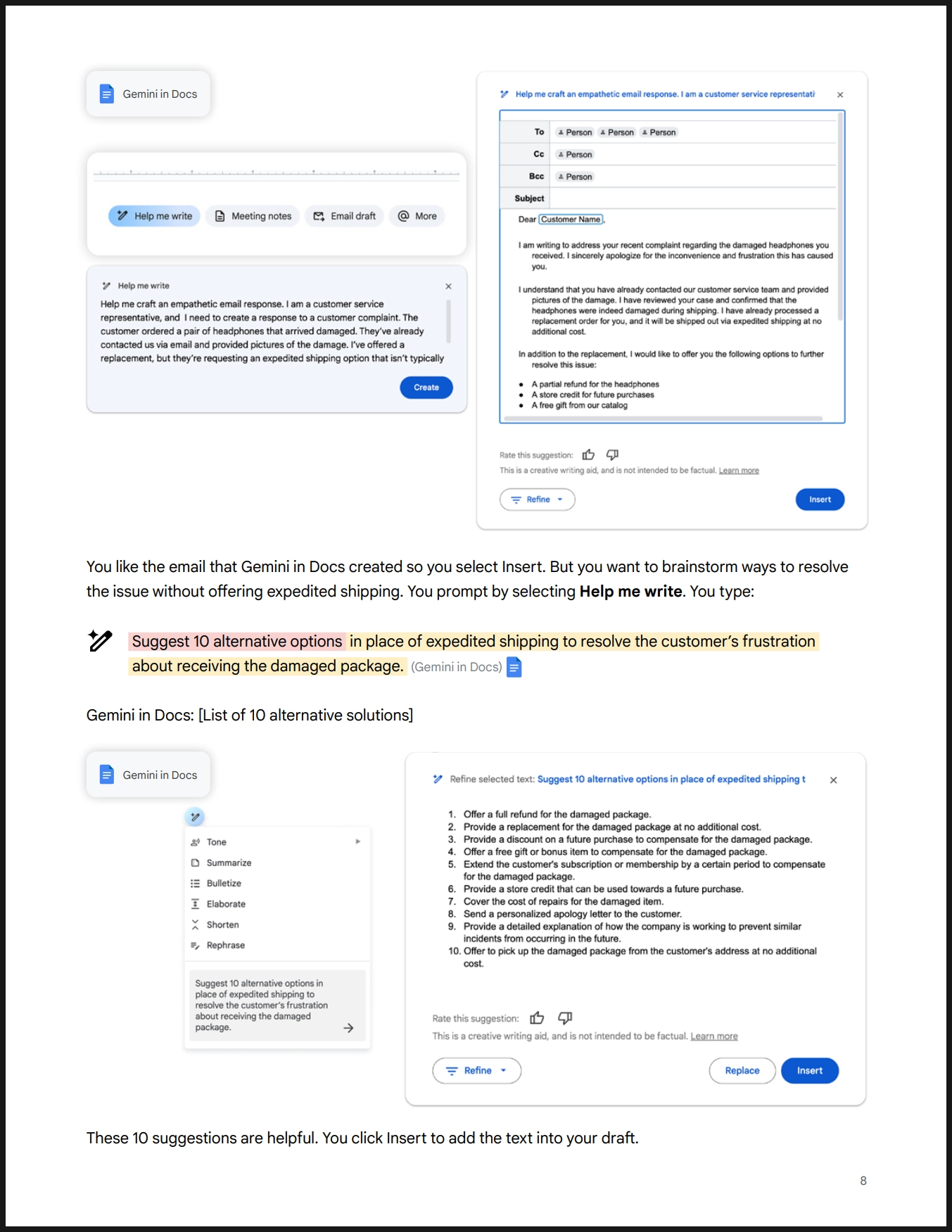
고객 서비스 . . . . . . . . . . . . . . . . . . . . . . . . . . . . . . . . . . . . . . . . . . . 페이지 7
경영진 및 기업가 . . . . . . . . . . . . . . . . . . . . . . . . . . . . . . . . . . . . . . . 페이지 13
인사 관리 . . . . . . . . . . . . . . . . . . . . . . . . . . . . . . . . . . . . . . . . . . . . . 페이지 20
마케팅 . . . . . . . . . . . . . . . . . . . . . . . . . . . . . . . . . . . . . . . . . . . . . . . 페이지 26
프로젝트 관리 . . . . . . . . . . . . . . . . . . . . . . . . . . . . . . . . . . . . . . . . 페이지 32
영업 . . . . . . . . . . . . . . . . . . . . . . . . . . . . . . . . . . . . . . . . . . . . . . . . . 페이지 36
프롬프트 작성 능력 향상 . . . . . . . . . . . . . . . . . . . . . . . . . . . . . . . 페이지 43